


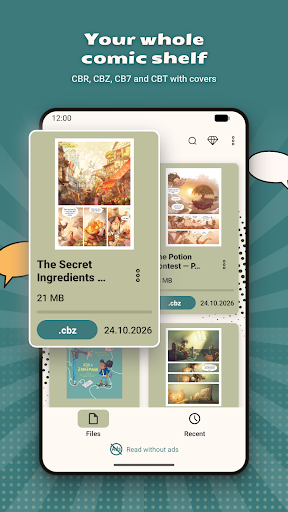
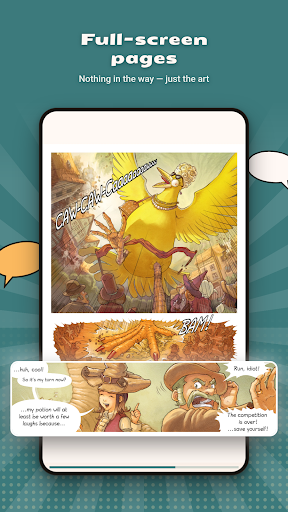
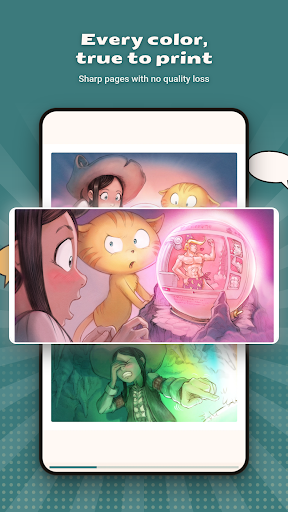
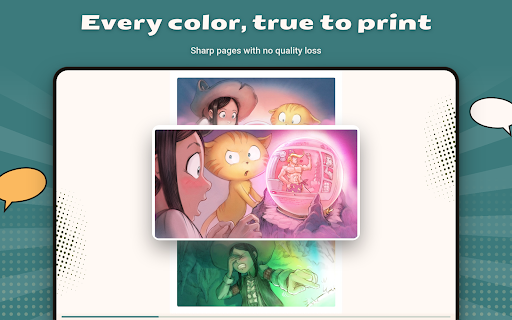
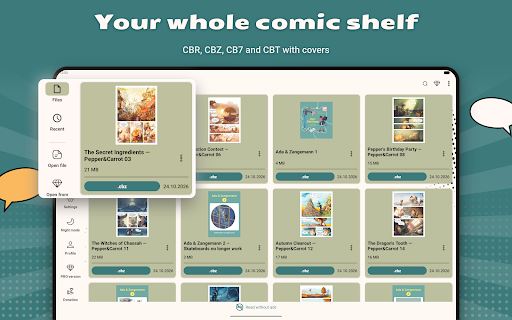
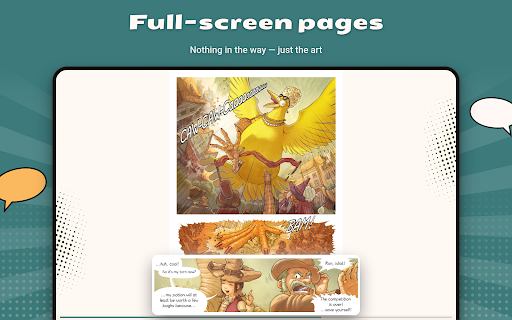
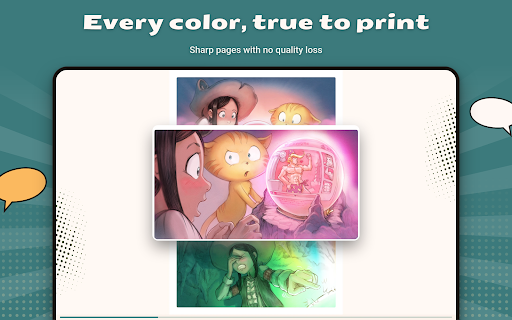
Comic Book Reader (cbz/cbr) is an app dedicated to viewing digital comics, manga, and graphic novels directly on your device. It enables users to open and read files in CBR, CBZ, CB7, and CBT formats without needing an internet connection or account registration. The app prioritizes a focused reading experience, offering features like instant file opening, various scrolling options, and an immersive full-screen display to enhance content visibility.
Dedicated Reading Features
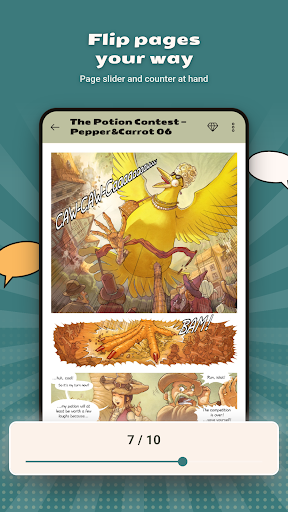
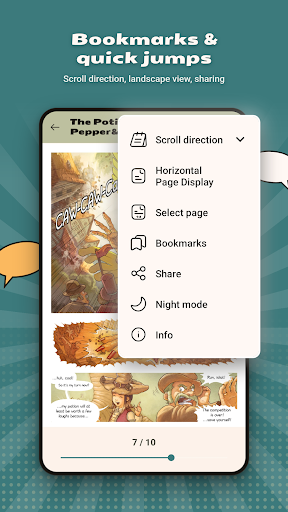
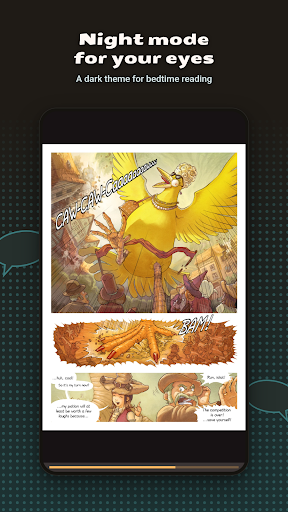
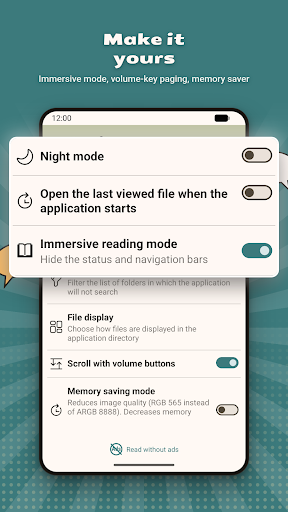
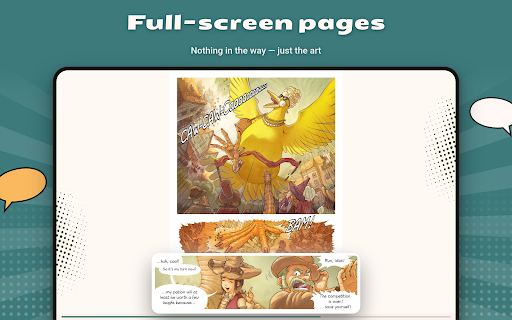
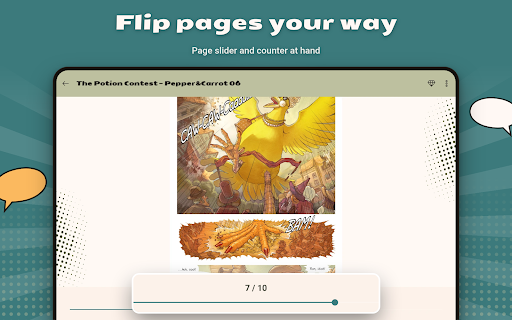
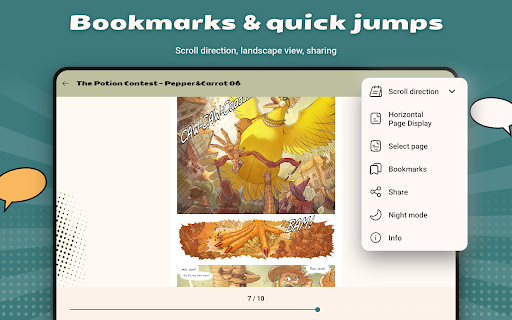
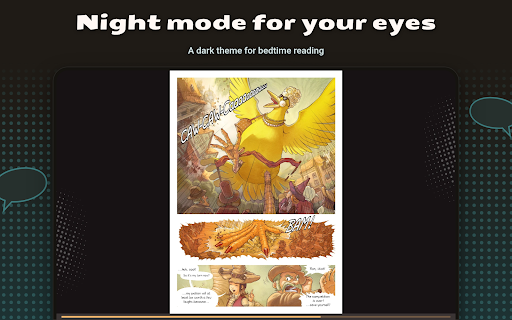
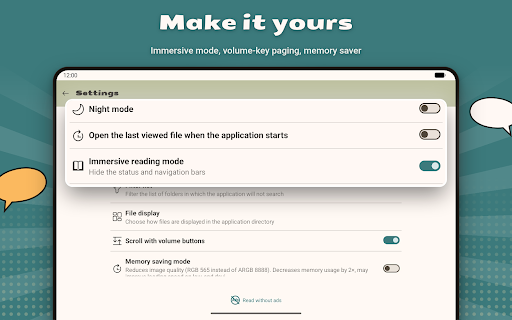
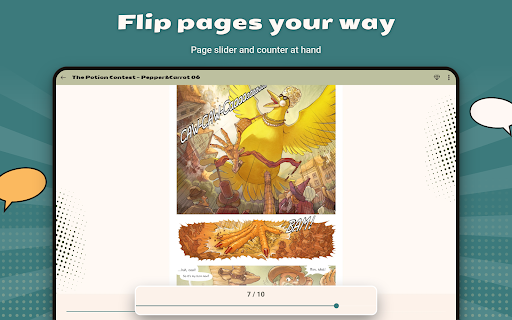
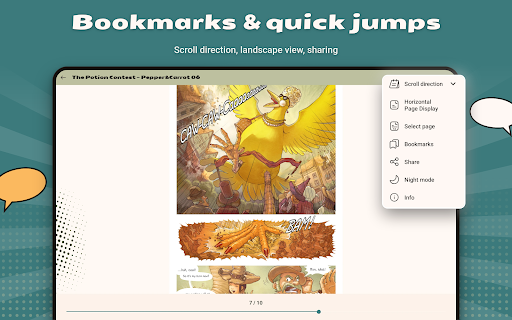
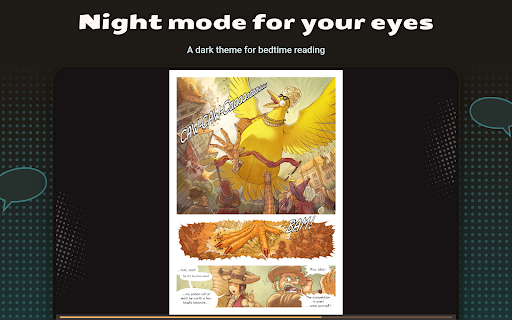
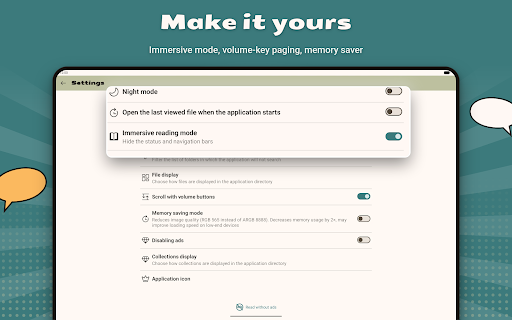
The app is built to provide a tailored experience for reading comics. Users can open CBR, CBZ, CB7, and CBT files instantly. To navigate content, it supports both vertical and horizontal scrolling, and pages can be turned using the device’s volume buttons. An immersive full-screen mode hides status and navigation bars for an unobstructed view. For convenience, bookmarks allow users to save their place with a single tap, and it’s possible to jump directly to any page by number. Landscape layouts offer options for width/height alignment, border adjustments, and a two-page view. Eye comfort features include night and day modes, while a memory-saving mode helps ensure smooth reading on older devices. The app automatically resumes your last comic upon launch.
Library Management and Organization
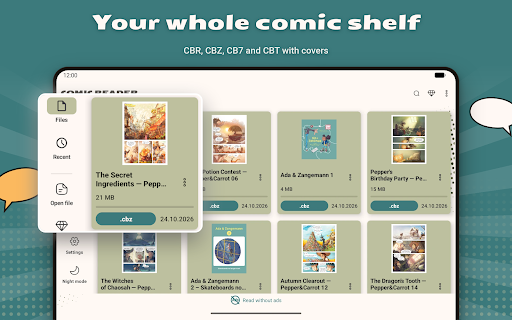
The app helps organize your digital comic collection. It includes an automatic scan feature to locate all comic files stored on your device. All detected files, recently opened comics, and favorites are accessible from a central location. Users can create collections to group series, assign custom covers, and track their reading progress within these collections. The library can be viewed in a grid or list format, with flexible sorting options by name, size, date, or reading date. A full-text search function with a history is available, and users can rename, copy, share, and view detailed information about their files. Home-screen widgets are also available to showcase comic covers.
Personalization and Achievements
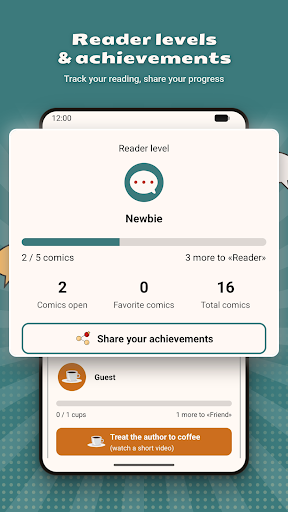
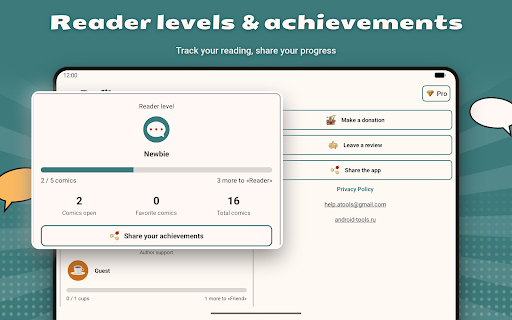
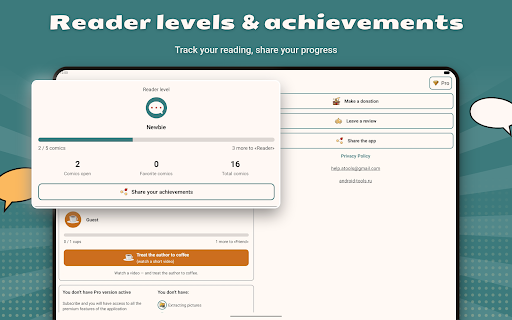
Users can customize the app’s appearance to suit their preferences. There are 11 built-in app backgrounds, with the option to set a custom image or color. A set of exclusive app icons is also available for the home screen. The app incorporates a reader leveling system where users can progress through ranks like Newbie, Reader, Connoisseur, Expert, and Comics Guru as they read. Progress can be tracked in a personal profile, and achievements can be shared.
Pro Version Capabilities
A Pro version of the app is available, which removes all advertisements. It also adds the ability to extract comic pages as PNG or JPEG image files and allows users to open comics directly from cloud storage services. Features such as Favorites, Collections, and full personalization, which are limited in the free version, become fully accessible with a Pro subscription. The Pro version can be accessed via weekly or yearly subscriptions, or through a one-time purchase for permanent ownership, and includes a three-day free trial. For those preferring the free experience, watching a short video can grant 30 minutes of ad-free reading.
Offline and Private Use
The app operates entirely on your device, meaning no account registration or internet connection is required to read your local files. This design ensures that all reading activity remains private and self-contained.



Write a review